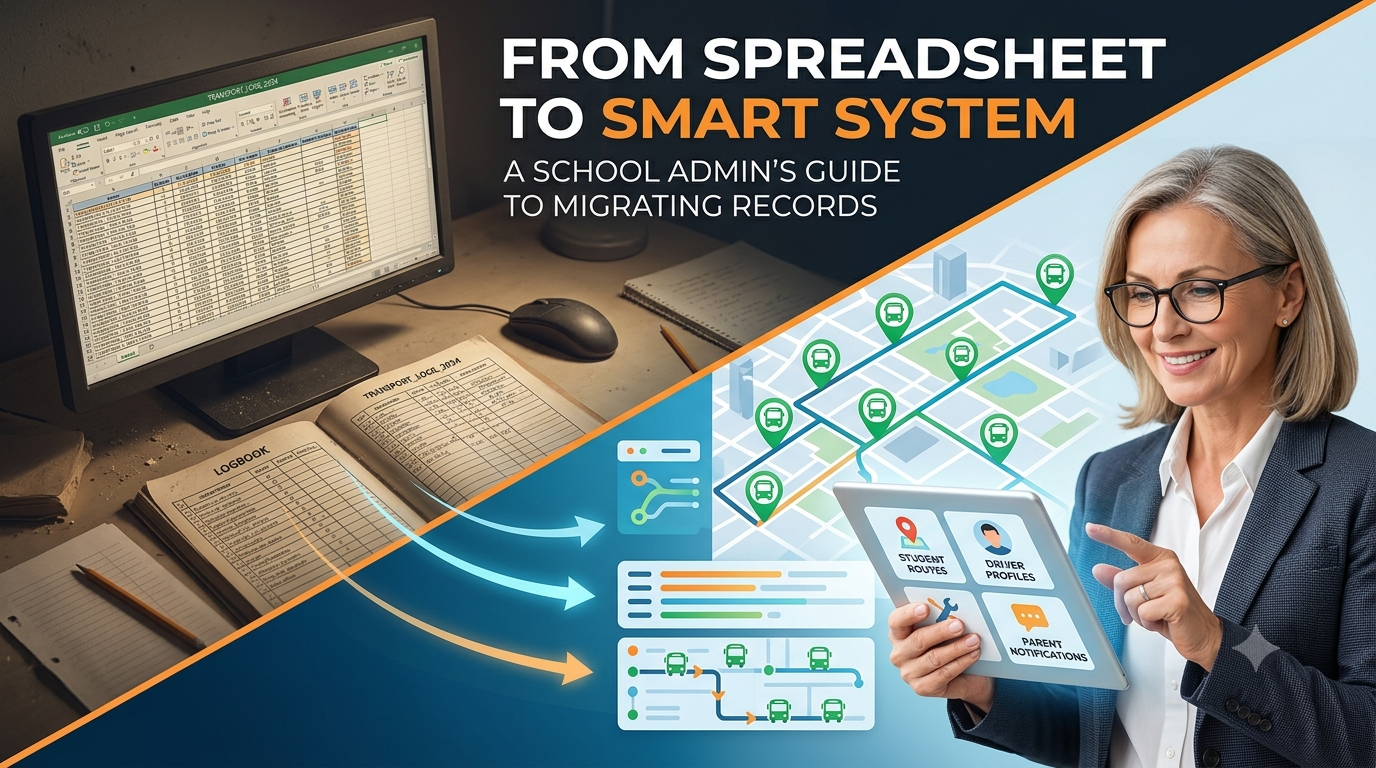
If your transport coordinator left tomorrow, would someone else be able to make sense of your bus records — or would it take three weeks, four spreadsheets, and a lot of goodwill to piece things back together?
For most schools, transport data lives in the worst possible place: locked inside one person's memory, spread across multiple files with names like bus_routes_FINAL_v3_USE THIS ONE.xlsx, and backed up — if at all — only because someone happened to email it to themselves last term.
The risks are real. Data gets corrupted. Files go missing. Staff move on. And when they do, they often take institutional knowledge with them that no spreadsheet ever quite captured.
The good news: migrating to a smart transport management system is far less daunting than most schools expect. This guide will show you what to move, how to move it, and how to bring your whole team along without drama.
Why “We'll Do It Later” Is Getting Expensive
Every term you delay is another term of manual data entry, human error, and single points of failure. Here's what that looks like in practice:
4–6 hrs
avg. weekly admin time lost to manual transport record-keeping
1 in 3
schools have experienced a transport data loss or version conflict
0
spreadsheets that can send a parent an automatic boarding alert
1 day
is all it takes to onboard your core records into a modern system
The conversation isn't really about whether to migrate — it's about when. And the answer, for most schools managing more than five buses, is: before this becomes a crisis.
The 5 Fears — And Why None of Them Should Stop You
These are the most common reasons schools delay migration. All of them are valid. None of them are insurmountable.
😰
Fear of data lossEvery row you've built over years feels precious — and it is. A good migration starts with a full export and backup before anything moves. Nothing gets deleted; it gets transferred and verified.
Solvable🙅
Staff resistance to changeThe staff who resist the hardest are usually the ones doing the most manual work. Show them what two fewer hours of data entry per week looks like — resistance tends to soften quickly.
Solvable🧭
Not knowing where to startStart with your most-used record type — usually student routes or driver profiles. Migrate one category at a time. Momentum builds fast once the first data set is live.
Solvable🔍
Choosing the wrong platformLook for a system built specifically for school transport — not a generic fleet tool. It should handle student data, parent notifications, and route management out of the box, with import support built in.
Solvable🚌
Keeping operations running during switchoverThe best migrations run in parallel — your old system stays live while the new one is set up and verified. You switch fully only when your team is confident. There's no cliff edge.
Solvable“The school that migrates in a calm term will never have to migrate in a crisis. The one that waits often doesn't get to choose.”
What Needs to Move: Your 5 Core Record Types
Not all transport data is equal. These five categories are the foundation of any smart system migration — get these right and everything else follows.
🗺️
Student routes & stopsWhich student goes on which bus, which stop they board at, and their pick-up/drop-off times. The backbone of daily operations.
🪪
Driver profiles & licencesDriver names, licence numbers, expiry dates, background check status, and assignment history. Compliance-critical.
🔧
Bus maintenance logsInspection dates, service records, defect reports, and next-due dates. Keeps your fleet roadworthy and your school auditable.
📱
Parent contact & notification settingsPhone numbers, preferred channels (SMS/app), and alert preferences. Powers your entire parent communication layer.
📋
Attendance & boarding historyWho boarded when, any missed stops, and historical attendance data. Essential for safety accountability and incident reviews.
Myths vs. Reality: What Migration Actually Looks Like
The stories schools tell themselves about migration are almost always worse than the reality. Here's what the data actually says.
✗ The fear
"It'll take months and someone dedicated full-time to migration."
✓ The reality
Most schools complete core record migration in 1–3 days with existing staff, using structured import templates.
✗ The fear
"We'll lose years of historical data in the process."
✓ The reality
Migration tools import from CSV/Excel directly. Your old data doesn't disappear — it moves, intact, into the new system.
✗ The fear
"Buses will stop running while we figure out the new system."
✓ The reality
Parallel running is standard practice. Your existing system stays active until your team is fully confident in the new one.
✗ The fear
"Our staff will never adapt — they're used to spreadsheets."
✓ The reality
Most transport management platforms are built for non-technical users. If you can use a spreadsheet, you can use these tools.
Go-Live Readiness Checklist
Use this before you switch your team fully to the new system. Every box ticked is a risk retired.
Transport System Go-Live Readiness Checklist
Data Migration
Full export completed — all spreadsheets exported and backed up before migration begins. Student routes & stops imported — verified against the original source for accuracy. Driver profiles uploaded — including licence numbers, expiry dates, and background check status. Bus maintenance records transferred — last service date and next-due dates confirmed in the new system. Parent contact details imported — SMS and app notification preferences set and tested. Historical boarding data migrated — at least current academic year attendance records available. System Readiness
Test run completed — at least one full dry-run of daily operations in the new system before go-live. Parent notifications tested — a sample alert sent and received successfully on at least one parent device. GPS tracking verified — all buses confirmed visible on the live dashboard. Team & Communication
All transport staff trained — not just the coordinator. Every person who touches the system has had a walkthrough. Parents informed — a short message sent explaining the new system and what they'll receive going forward. Support contact confirmed — your platform provider's support line is saved and accessible to your team. Old system kept accessible for 2 weeks post-go-live — as a reference, not for active use. If you can tick every item on that list, your school is ready to go live with confidence. If there are gaps, you've just saved yourself from discovering them at 7:45 AM on a Monday morning.
The Right Time to Migrate Is Before You Have To
Schools that migrate during a quiet term — mid-year break, the weeks before a new academic year, a calm patch between events — do it on their own terms. Schools that wait until a data loss, a staff departure, or a parent complaint forces the issue do it under pressure. The second experience is entirely avoidable.
MyTripzois built specifically for school transport teams — with structured import tools, guided onboarding, and support designed for admins who've never done a migration before. The technical heavy lifting is handled; what you bring is your data and two or three days of focused setup time.
Your spreadsheets have served you. But they've also reached the limit of what they can do for a school that's serious about transport safety, parent communication, and operational efficiency. A smart system doesn't replace your team's expertise — it gives that expertise a much better place to live.
Frequently Asked Questions
How long does it actually take to migrate school transport records to a new system?+
For most schools, the core migration — student routes, driver profiles, and parent contacts — takes 1 to 3 working days with existing staff. A well-structured import template and a clear data audit beforehand are the biggest time-savers. Larger fleets with complex historical records may take slightly longer, but week-long migrations are the exception rather than the rule.
Will we lose any data during the migration?+
Not if the migration is done correctly. The process always starts with a full export and backup of your existing spreadsheets before anything is moved. Modern transport management platforms import directly from CSV or Excel, so your historical data moves intact. Nothing is deleted from your source files — you retain access to them throughout.
Can buses keep running while we set up the new system?+
Yes — parallel running is standard practice. Your existing spreadsheets and processes continue operating normally while the new system is configured and verified. You don't go live on the new platform until your team is confident in it. There's no operational cliff edge; the switch happens when you're ready.
What data types should we migrate first?+
Start with student routes and stops — they're the most operationally critical and often the most well-maintained data you have. Once that's live and verified, move to driver profiles and parent contact details. Maintenance logs and historical attendance data can follow in a second phase without disrupting daily operations.
How do we handle staff who are resistant to moving away from spreadsheets?+
Resistance usually softens when staff can see a concrete time benefit. Focus early demonstrations on the tasks that consume the most manual effort — updating route lists, chasing driver confirmations, fielding parent calls. Most transport management platforms are designed for non-technical users, so the learning curve is shorter than staff typically expect.
What should we look for when choosing a school transport management platform?+
Prioritise platforms built specifically for school transport rather than generic fleet tools. Key capabilities to evaluate: structured CSV/Excel import support, student-level route and stop management, automated parent notifications, driver profile and licence tracking, and GPS integration. Also check that the vendor offers guided onboarding — not just self-serve documentation.
Is there a checklist we can use to confirm we're ready to go live?+
Yes — the Go-Live Readiness Checklist in this article covers three categories: data migration (six items), system readiness (three items), and team and communication (four items). Every box ticked represents a risk retired before go-live. If gaps remain, you know exactly where to focus before switching over.
Ready to move beyond the spreadsheet?
Book a MyTripzo migration consultation — we'll walk you through exactly what a data transfer looks like for your school's fleet size, and answer every “but what about...” question before you commit.
Book a Migration ConsultationNo obligation · 30-minute session · Bring your spreadsheets