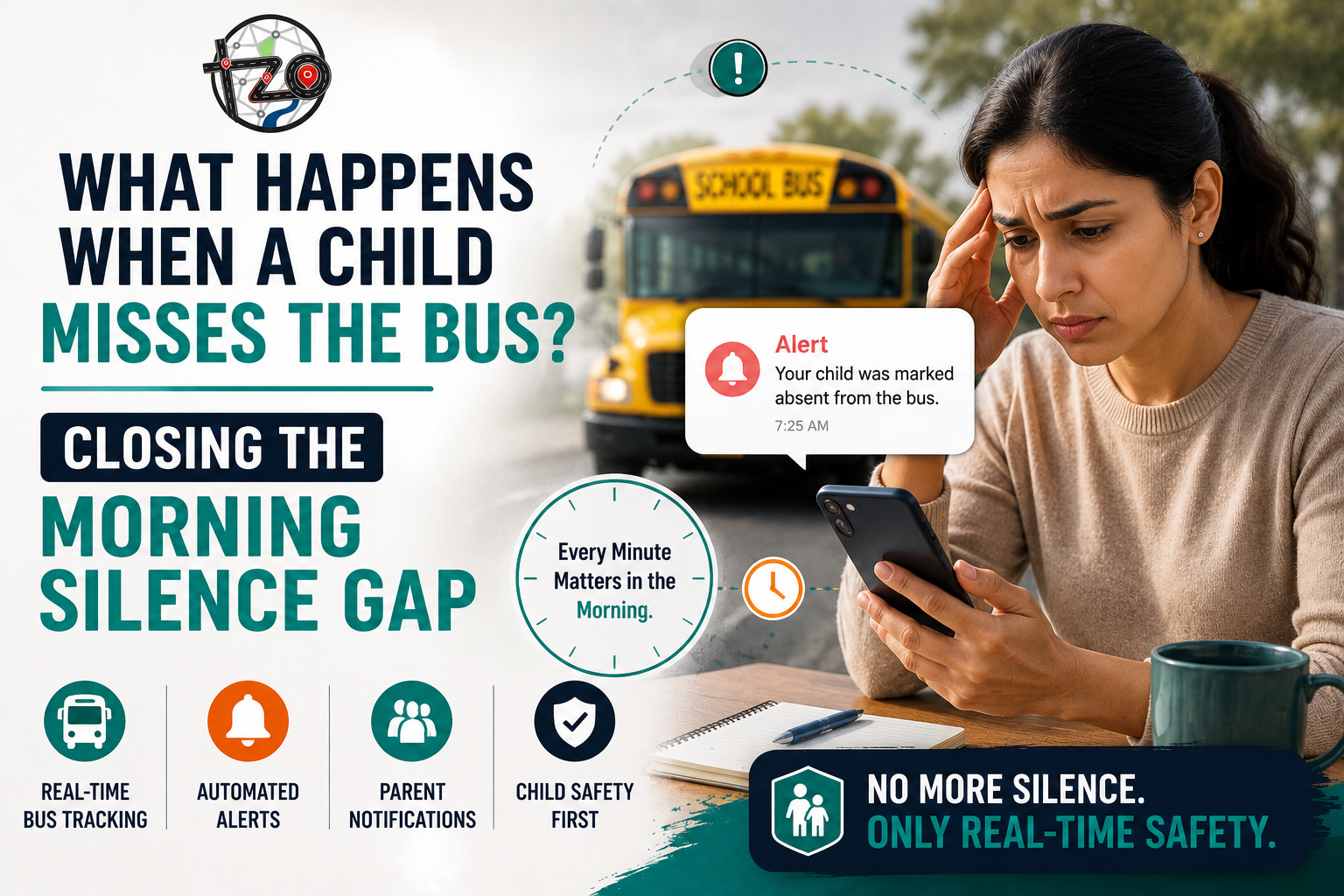
It is 7:52 in the morning. Priya's mother drops her at the bus stop, waves goodbye, and heads to work. The bus arrives two minutes later — but Priya isn't at the stop. She'd gone back to look for her water bottle.
The bus moves on. Nobody calls. Nobody texts. The school won't notice until attendance is marked at 9:15. Priya's mother is in a meeting, phone on silent. By the time anyone thinks to check — it has been 83 minutes of complete silence.
This is the Morning Silence Gap. And it happens in schools everywhere, every single day.
The Three Faces of the Morning Silence Gap
The silence gap isn't one problem — it's three overlapping failures happening simultaneously every time a child misses their bus.
Manual Process vs Automated Alerts — Side by Side
The difference between how schools currently manage missed buses and how automated alert systems handle the same event isn't just about speed. It's about who carries the burden — and who gets to stay calm.
| Moment | ✗ Without Automated Alerts | ✓ With MyTripzo Alerts |
|---|---|---|
| Child doesn't board at stop | No one knows. Driver continues the route. Parent assumes child is on board. | System detects missed boarding instantly. Alert sent to parent and school in under 30 seconds. |
| First 10 minutes | Complete silence. No information flows to anyone. | Parent receives push notification. Transport coordinator sees alert on dashboard. Action begins immediately. |
| School notification | Manual call from coordinator — often after attendance at 9:15 AM. | Simultaneous automated notification to school staff the same moment the parent is alerted. |
| Parent response time | 45–90 minutes average before parent is aware anything is wrong. | Under 2 minutes average response time — parent can act while the situation is still simple. |
| Coordinator workload | Manual calls to parent, driver, and school. Repeated if no answer. | Zero manual calls required. All parties notified automatically. Coordinator monitors, doesn't chase. |
| Resolution time | Often 60–120 minutes of confusion before situation is resolved. | Typically resolved within 5–10 minutes of the missed boarding event. |
How Automated Alerts Close the Silence Gap — Instantly
Automated alert systems work because they remove the most fragile part of the current process: the human who needs to notice something is wrong, decide to act, find the right number, and make a call — all while managing a moving bus or a packed morning office.
When a child registered to a specific stop doesn't board by the time the bus departs, the system fires a push notification to the parent's phone automatically — no human decision required. The parent knows within seconds, while alternatives are still easy.
The same trigger that alerts the parent simultaneously updates the school's transport dashboard and notifies the designated school administrator. The coordinator sees the missed boarding on their live route map without waiting for anyone to call them.
A parent notified within 30 seconds can call home, reach their child, and arrange a solution before the school day has even started properly. A parent notified 90 minutes later is managing a crisis. The alert doesn't change what happened — it changes what's still possible.
Every minute of the silence gap is a minute where no one is taking action — not because they don't care, but because they don't know. Automated alerts eliminate the gap entirely. From the moment a child doesn't board, the right people are already informed and the clock on resolution has started.
Passive Tracking vs Active Alerts — Why the Distinction Matters
Not all bus tracking tools are equal. Many schools have implemented GPS tracking on their buses — but tracking a bus and being alerted when something goes wrong are fundamentally different capabilities.
- 🗺️Shows where the bus is on a map in real time
- 📋Logs route history and stop times
- 👁️Requires someone to actively check the app or dashboard
- 🔇Does not alert anyone when something goes wrong
- ⏰Only useful if you're already watching — silence gap remains open
- ✅Includes all passive tracking capabilities
- 🔔Pushes instant notifications for missed boardings
- 📲Alerts the right people automatically — no checking required
- 🏫Notifies school and parent simultaneously
- ⚡Closes the silence gap at the moment of the event
From Missed Boarding to Resolved — in Under 10 Minutes
Here's exactly what happens when a child misses the bus at a school using MyTripzo's automated alert system — from the moment the bus leaves the stop to the moment the situation is resolved.
The driver marks departure or the system auto-detects movement. Any registered child who hasn't been scanned or confirmed as boarded is flagged immediately.
A push notification reaches the parent's phone: "Your child was not detected boarding the bus at [Stop Name] at [Time]." No human needed to trigger this. It happens automatically, every time, without fail.
The missed boarding appears on the coordinator's live dashboard in real time. They can see the child's name, stop, route, and time — no calls required to gather this information.
The parent calls home, confirms where their child is, and either arranges drop-off or informs the school the child won't be attending. The coordinator marks it resolved on the dashboard. Total time elapsed: under 10 minutes.
Every missed boarding, alert, and resolution is logged with timestamps. Schools have a complete, auditable record without any manual documentation — useful for transport reviews, parent queries, and safety audits.
“The silence gap doesn't close itself. Every school that thinks parents can 'just check the app' has quietly left the burden on the parent — when they're already in traffic, in a meeting, or simply unaware that anything is wrong.”
— School Transport Coordinator, Bengaluru
Frequently Asked Questions
Close the Morning Silence Gap at Your School
See exactly how MyTripzo detects missed boardings, notifies parents and staff simultaneously, and resolves delays before they become crises.
Book a Free Demo →No commitment · 30-minute walkthrough · Live Q&A with our team