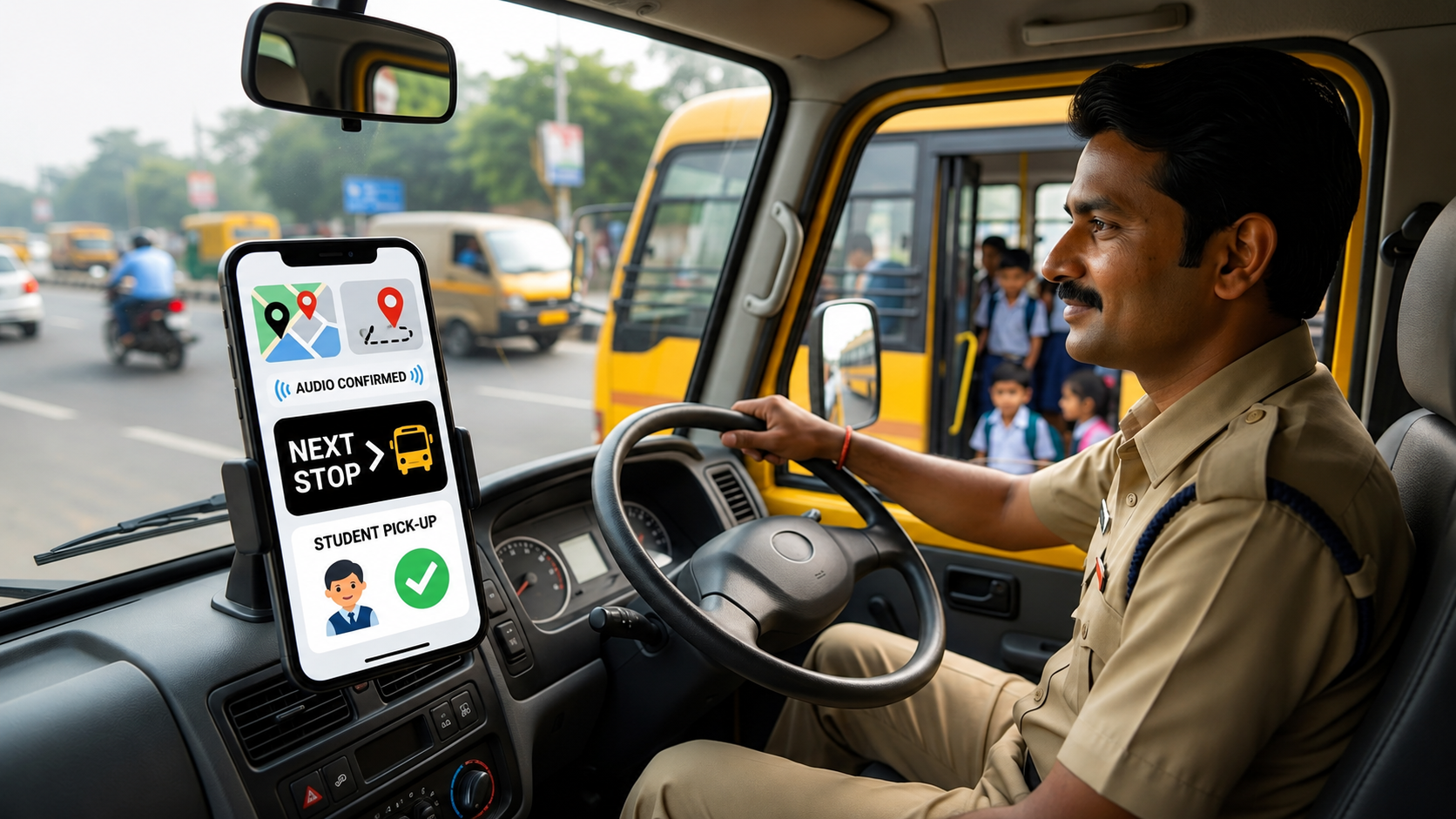
Driving a school bus on Indian roads requires undivided visual attention. Traffic density, narrow lanes, and unpredictable pedestrian movement leave no margin for interface complexity. If a school transport tracking app presents fine text fields, complex spreadsheet layouts, or requires continuous taps to navigate between stops, it does not become a safety tool — it becomes a safety hazard.
To truly protect students, driver consoles must be engineered with a single guiding constraint: the driver's eyes must stay on the road. Every feature, every notification, every attendance action must be designed around that non-negotiable.
The Danger of Over-Engineered Manifest Layouts
Traditional transport manifests were clipboard sheets containing columns of names, contact numbers, and stop details. Digitising this setup is not as simple as dropping a data grid onto a 6-inch mobile screen. Forcing a driver or bus attendant to zoom, scroll, or parse fine text while maintaining a transit schedule creates dangerous blind spots — and clear legal liability for the school.
“An optimised driver tracking console should not require reading fine details on the move. High-contrast, single-action button models combined with audio queue support ensure absolute focus stays locked directly on the road ahead.”
— Driver Safety Engineering, MyTripzo
The core rule of driver application safety is reducing multi-tap configurations to zero. A distraction-free manifest uses precise geolocation tracking to dynamically alter the interface context — so the driver never has to navigate anything. The app navigates itself.
Five Design Principles of a Safe Driver Console
A well-architected smart school bus driver tracking application is not judged by how many features it offers. It is judged by how few interactions it demands. These five principles define what distraction-free actually means in practice.
When the vehicle enters a defined pick-up zone, the console automatically surfaces only the students assigned to that exact boundary location. Drivers never scroll a full route list — the manifest narrows itself down to what is relevant right now.
One oversized button records a boarding state. In areas where internet data drops or the driver encounters narrow streets, single-action buttons ensure that logging is effortless. When a child checks in, the system alerts admins back at the desk silently — bypassing manual typing entirely.
Voice cues announce the next stop, boarding confirmations, and rerouting instructions. The driver's eyes stay on the road. Critical updates arrive as audio commands rather than screen notifications that demand a glance.
Interaction is restricted while the vehicle is in motion. This design constraint is not a limitation — it is a safety commitment. The app does what it can automatically and waits for the vehicle to stop before inviting any input.
When admin changes a student's drop-off address, swaps a route, or cancels a pickup, that update flows directly into the driver console without a phone call. Routing lines and audio directions adjust automatically — zero driver distraction required.
Standard Fleet Software vs. Distraction-Free Architecture
The difference between a generic fleet app and a purpose-built driver console is most visible at the interaction level — where every extra tap is a moment of attention pulled from the road.
| Feature | Standard Fleet Software | Distraction-Free Architecture |
|---|---|---|
| Stop Tracking | Driver must scroll manually through a complete route list. | GPS auto-fencing naturally surfaces the active stop instantly. |
| Attendance Action | Requires small dropdown selections or typing names manually. | One-tap macroscopic buttons or zero-touch hardware tracking. |
| Route Changes | Distracting phone calls or text check-ins over WhatsApp. | Automated sync adjustments pushed directly via audio commands. |
| Offline Capability | App fails or loses data when mobile data is unavailable. | Cached route profiles allow offline logging with deferred sync. |
| Driver Training Required | Complex interface demands hours of onboarding before deployment. | Automated, minimal UI requires under 15 minutes to learn. |
The Five Rules of Zero-Distraction Driver UX
These rules apply regardless of hardware setup, fleet size, or software vendor. A compliant interface satisfies all five — not four.
Reduce every interaction to a single tap or zero tap
Surface only the information relevant to the current GPS location
Default to audio for all critical guidance and confirmations
Lock all non-essential inputs during vehicle movement
Push all updates from admin — never pull from driver
Frequently Asked Questions
See the driver console in action
Explore a lean, minimal driver view engineered specifically for high-stress school commutes on Indian roads. No commitment required.
Request Demo Access